Services

3D Printing Services & Training Programs

Practical, hands-on services for anyone who wants to learn, use, or scale 3D printing in real projects.

Training 3D printing service

Training

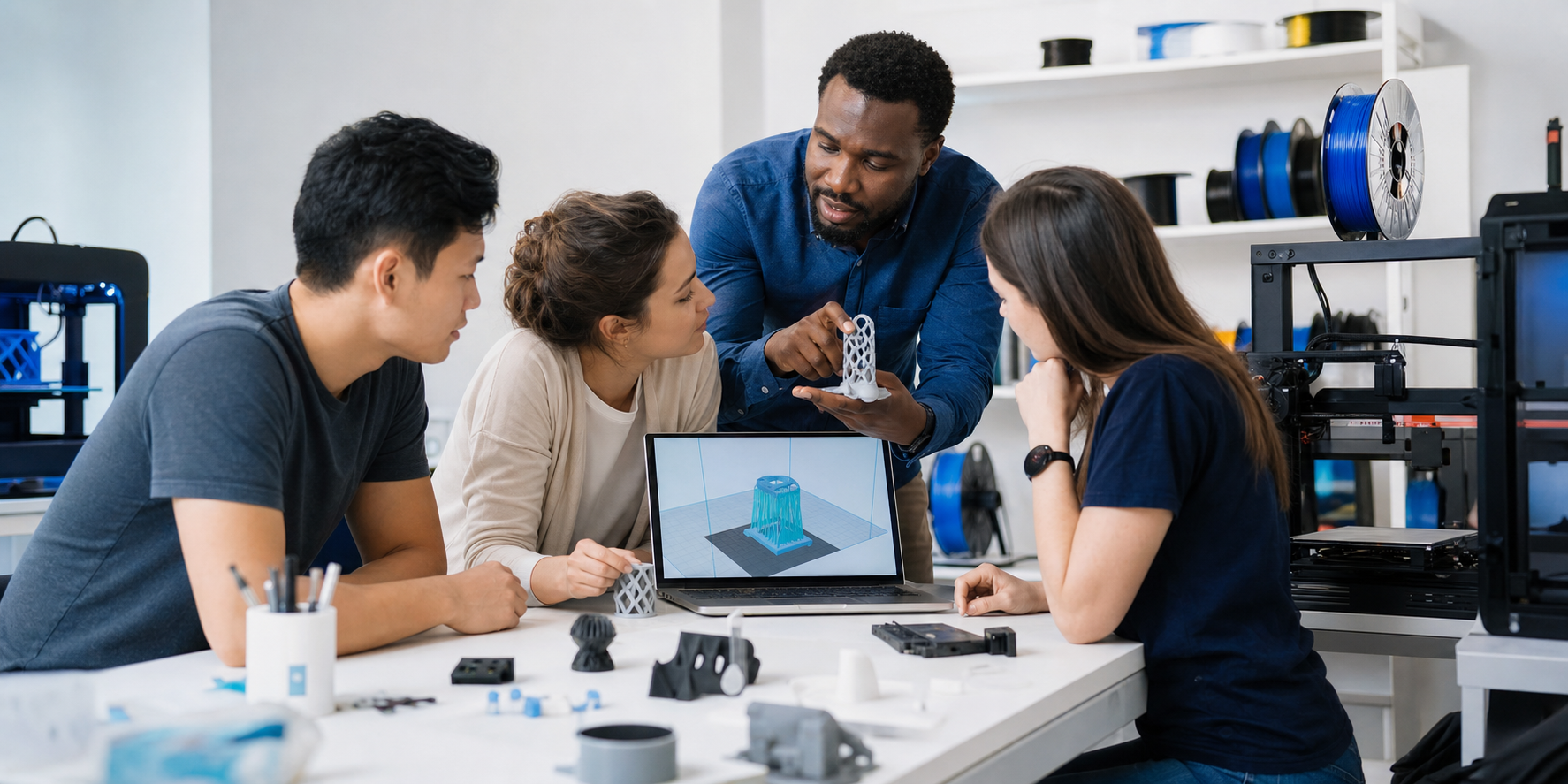
Hands-On 3D Printing & CAD Training

Learn CAD fundamentals, slicing, printer setup, calibration, troubleshooting, and real-world print workflows through guided practice.

Start FreeCAD from the basics, with no prior CAD knowledge required

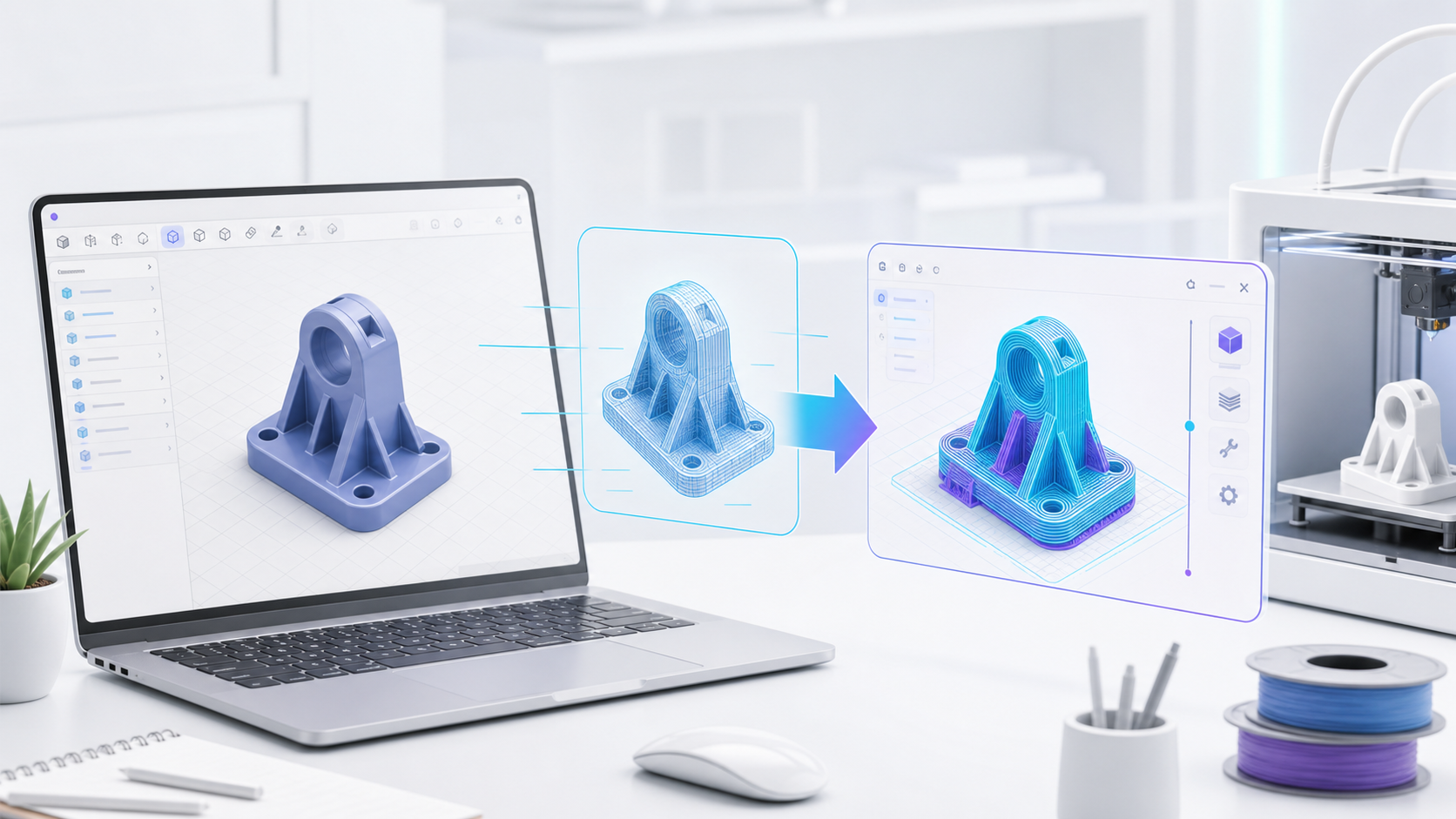
Prepare STL and OBJ files in Ultimaker CURA with practical print settings

Handle real printer setup, bed leveling, nozzle calibration, and first prints
Installation 3D printing service

Installation

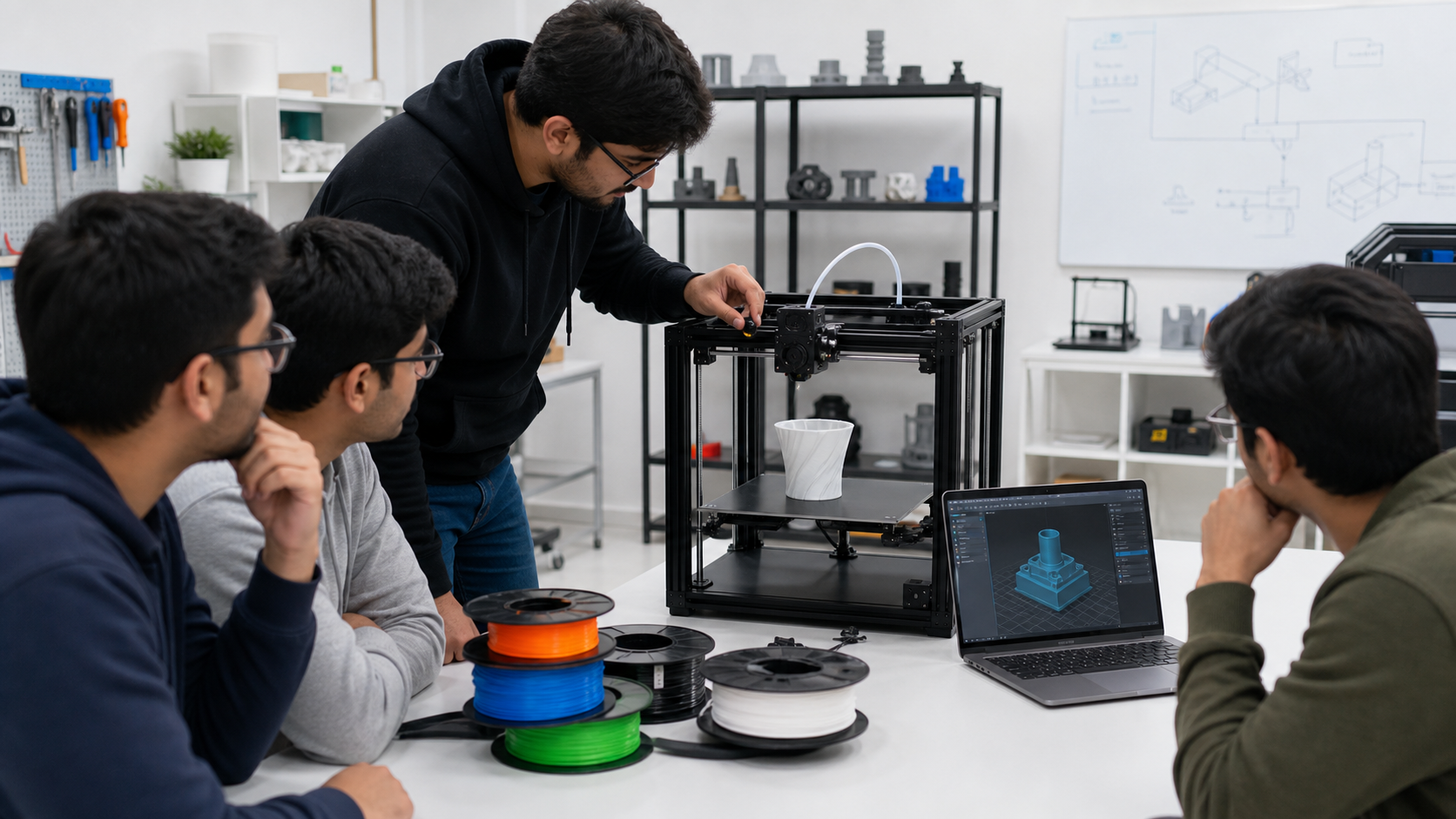
3D Printer Installation & Setup Support

Get professional setup support so your printer is assembled, calibrated, and ready for confident day-to-day use.

Full FDM printer assembly and setup, including Creality Ender 5 Pro style machines

Mechanical alignment, wiring checks, bed leveling, and Z-offset tuning

Extruder calibration, flow checks, and first-layer optimization

Product Development 3D printing service

Product Development

Product Development & Prototyping Support

Convert ideas into printable prototypes with practical design-for-additive-manufacturing guidance and fast iteration.

Translate rough concepts, sketches, or requirements into printable CAD geometry

Optimize parts for FDM printing: wall thickness, overhangs, supports, and orientation

Run printability checks before wasting time and material

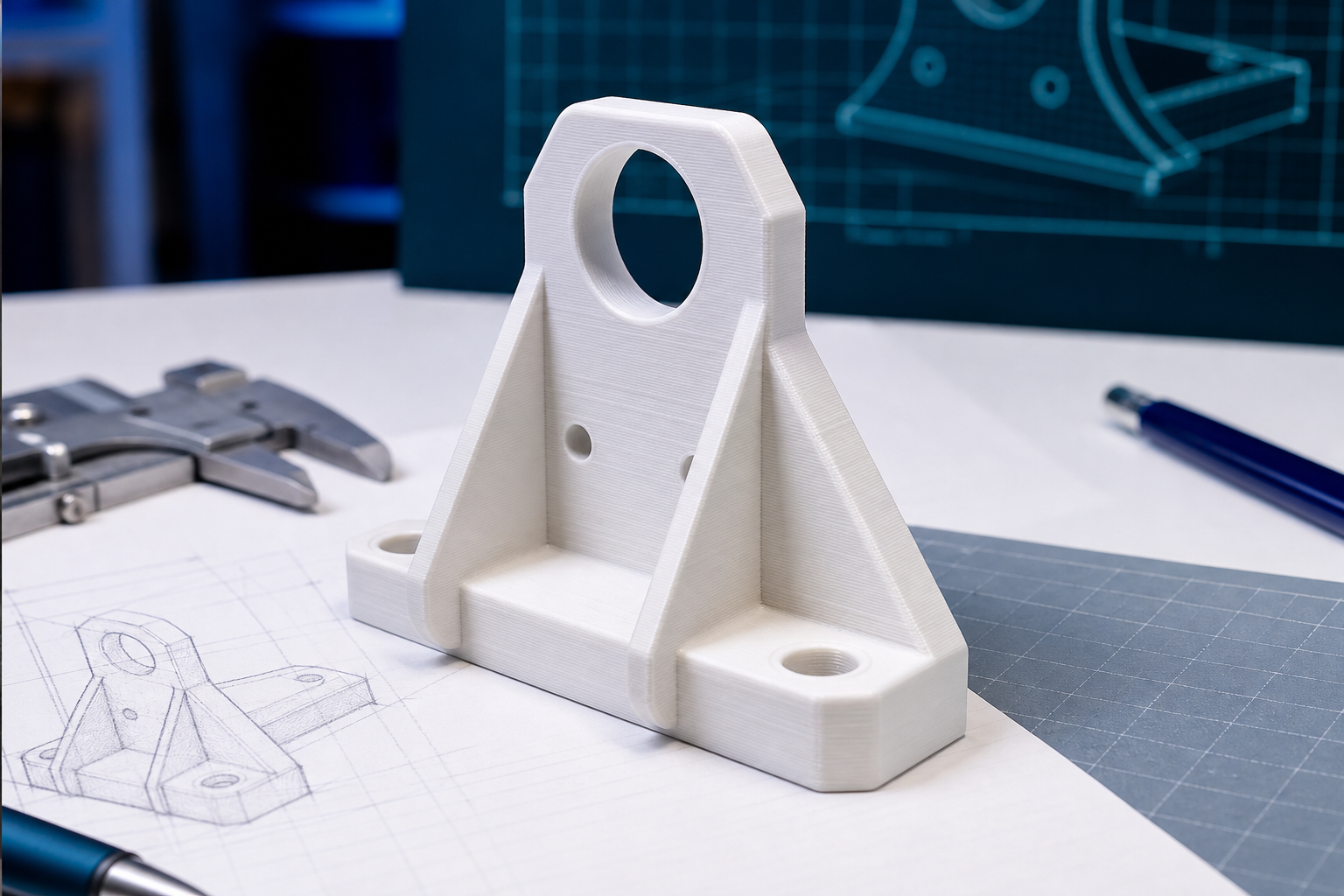
Hands-On 3D Printing & CAD Training visual
01

Training

Hands-On 3D Printing & CAD Training

Learn CAD fundamentals, slicing, printer setup, calibration, troubleshooting, and real-world print workflows through guided practice.

CAD Fundamentals

  • FreeCAD navigation
  • 2D sketches and constraints
  • 3D features, pockets, fillets, and useful parts

Slicing & Print Preparation

  • Layer height, infill, speed, and supports
  • Part orientation
  • G-code preparation

Printer Handling

  • Filament loading
  • Bed leveling and Z-offset
  • Maintenance habits and safe operation

Ideal for

Students and educators, Hobbyists and makers, Professionals entering additive manufacturing

3D Printer Installation & Setup Support visual
02

Installation

3D Printer Installation & Setup Support

Get professional setup support so your printer is assembled, calibrated, and ready for confident day-to-day use.

Printer Assembly

  • Frame alignment
  • Wiring checks
  • Motion and belt inspection

Calibration

  • Bed leveling
  • Extruder tuning
  • First-layer quality

Safe Operation

  • Filament storage
  • Maintenance schedule
  • Workspace and electrical safety

Ideal for

Schools and makerspaces, Startups setting up a printing lab, Individuals buying their first printer

Product Development & Prototyping Support visual
03

Product Development

Product Development & Prototyping Support

Convert ideas into printable prototypes with practical design-for-additive-manufacturing guidance and fast iteration.

Concept to CAD

  • Sketch to model
  • Functional requirements
  • Reusable design logic

DfAM Guidance

  • Wall thickness
  • Support reduction
  • Assembly simplification

Prototype Iteration

  • Material choice
  • Print-test cycles
  • Fit and function review

Ideal for

Entrepreneurs and startups, Product designers and engineers, Students working on capstone projects

Tools & Workflow

A practical ecosystem for learning and building

From open-source CAD to printer calibration, every part of the workflow is designed to help learners become confident makers.

No Prior CAD Knowledge Required

Beginner-friendly FreeCAD training starts with simple shapes and builds toward useful objects.

Open-Source Powerhouse

FreeCAD 0.19 and Ultimaker CURA 4.10 keep learning accessible without expensive licenses.

Hardware Mastery

Hands-on experience with Creality Ender 5 Pro and similar FDM printers builds transferable confidence.

Resource Ecosystem

Curated models, lesson projects, challenges, and community sources help learners keep practicing.

Our Working Process

1

Consultation

We understand your goals, experience level, printer access, and project needs.

2

Design or CAD Preparation

We create or refine the model in FreeCAD, or work from your existing CAD or STL files.

3

Slicing and Printer Setup

CURA settings are selected for the printer, material, part orientation, supports, and quality target.

4

Printing and Troubleshooting

Prints are monitored and adjusted while common issues are diagnosed in real time.

5

Review and Improvement

We inspect print quality, fit, and function, then improve the model or print settings.